PowerPoint is one of the most popular presentation tools. It lacks interactive features, without which your presentation might become boring enough to lead people to boredom.
Let me introduce you to powerful yet engaging presentation makers. Using these web tools, you can create and design interactive yet beautiful presentations directly in a web browser that make your audience go wow.
Here are the apps that you can use when you’re making a beautiful presentation:
- Prezi
- Visme
- Emaze
- Canva
- Piktochart
- Genial.ly
- Haiku Deck
- Powerpoint online
- Google slides
- Flowvella
Prezi
In Prezi, you found a huge library of templateswhich can be customized to impress every audience. Prezi lets you track your presentation’s performance by displaying an analytics of the viewers including what attracted them the most. Also, you can use your mobile as a remote and control the presentation directly from mobile.
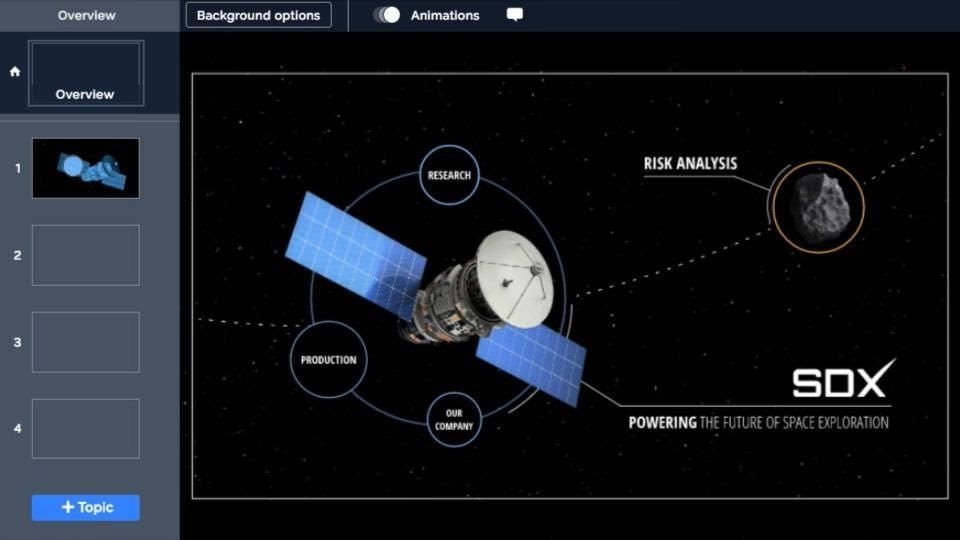
With Prezi, you can create unlimited presentations with full privacy control. One can even share the presentations individually or download them to view offline. It lets you upload videos in your presentations, put presenter notes, export your presentation to PDF, and avail advanced online training customized to your needs.
Visme
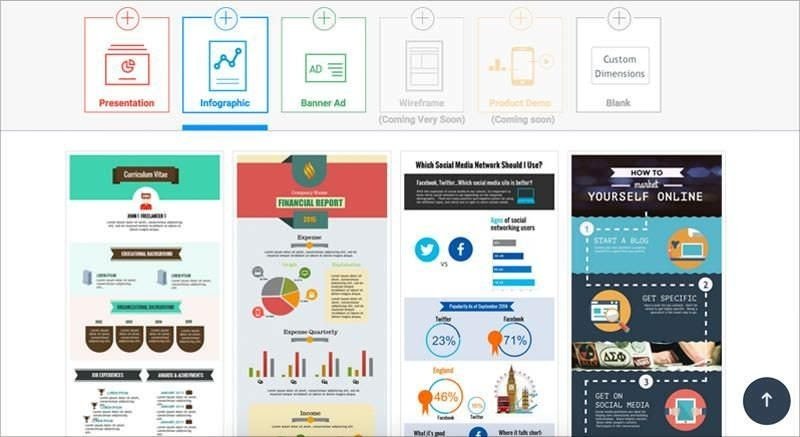
It can easily make visual stories using stunning presentations and infographics with Visme. It lets you express thoughts in an interactive way and transform boring data into interesting stories. You can also embed the presentation in a website or share on social networks. Using Visme, you get access to 100+ fonts and millions of free images.
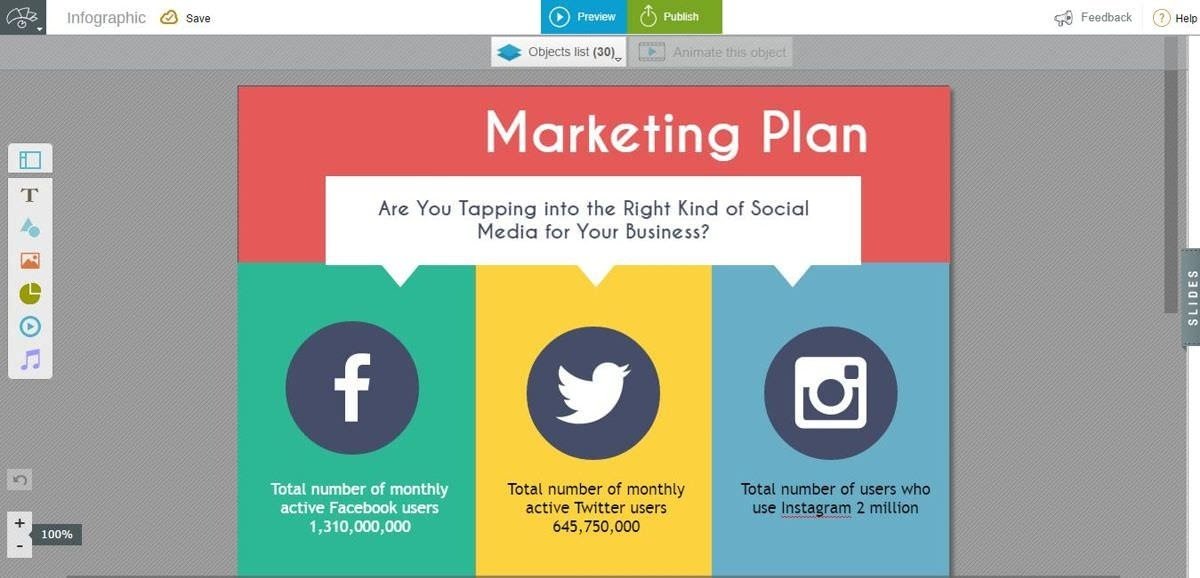
Visme also lets you add media such as audio and video from your computer. Like Prezi, you can create unlimited projects and avail limitless storage along with superb features. It gives you total control to make your content public, private, or password-protected. You can view a presentation directly in the browser, or download or export it for offline viewing.
Emaze
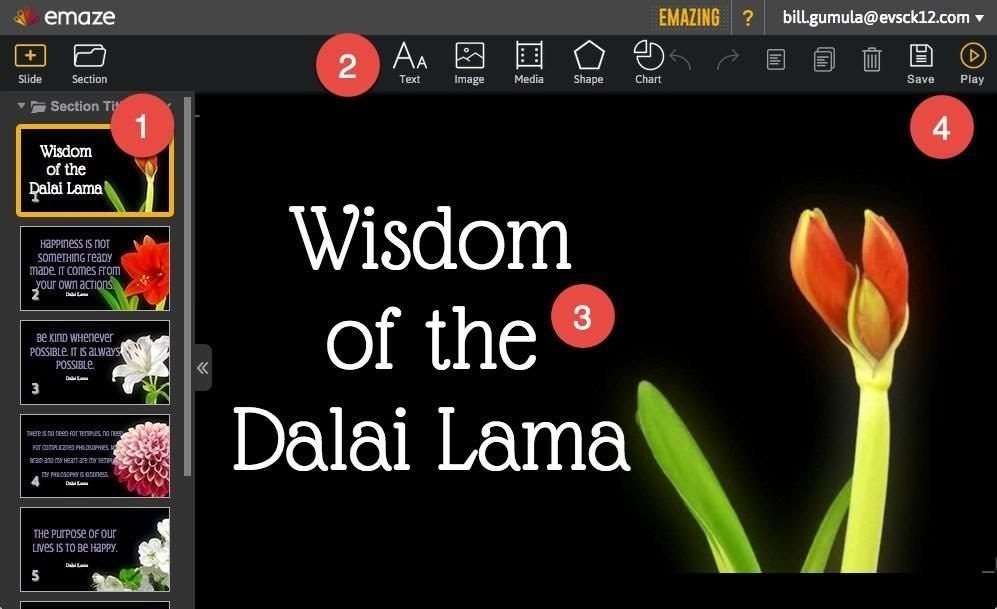
Emaze is a stunning software, letting you redesign PowerPoint presentations into interactive, storytelling projects. I found lots of presentation templates and video backgrounds in Emaze. You can add media content, GIFs, and live social feeds. You can even pan and zoom, and apply transitions to them content, making them highly interactive.
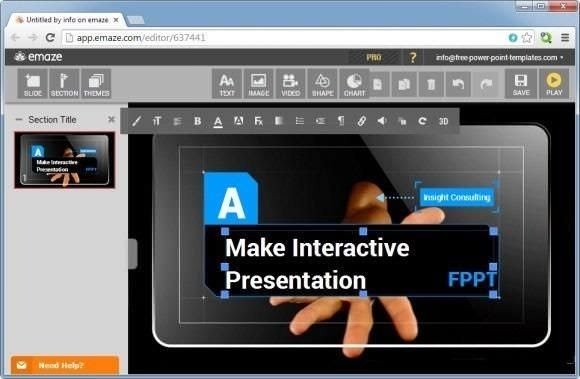
Being a cloud-based presentation maker, you can access your projects from anywhere. Using a variety of 2D to 3D slides, you can view and edit your presentations on any device, and share it with anyone in any language using itsautomated translation tool. Also, you can download your presentation as PDF, and view it offline on any device.
Canva
Canva is a drag-and-drop presentation tool where you get hundreds of amazing layouts to create presentations on any subject. As I experienced, you can choose the suitable images, fonts, colors, and lot more to suit your brand requirements. Also, you get access to over a million of quality, stock photos, and can also upload custom images.
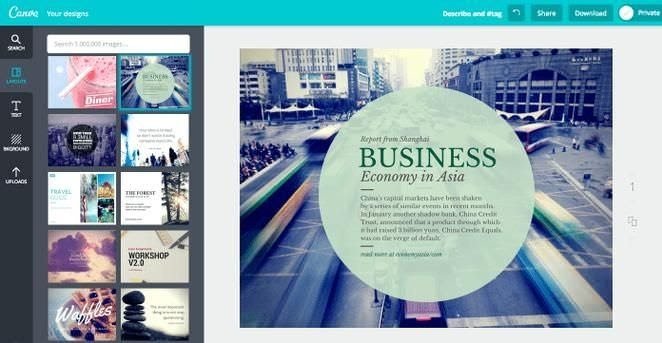
Canva allows you to choose from more than 120 fonts to style your presentation. You can edit or modify your presentation anytime, use stunning filters and texts, or customize them to appeal your audience. After you’re done, you can share your project on social networks, or use its ‘Presentation Mode’ to present it right from your Canva account.
Piktochart
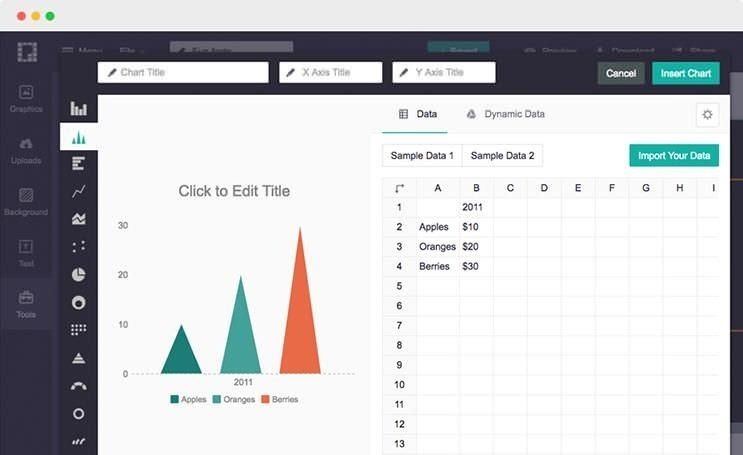
Piktochart lets you create infographics, which are presentable as slideshows. It offers 600+ professionally designed templates, and numerous fonts and color styles to make my project unique. You can include charts and maps to make it look more impressive, and even use a set of industry-specific icons as deemed fit for your project’s purpose.
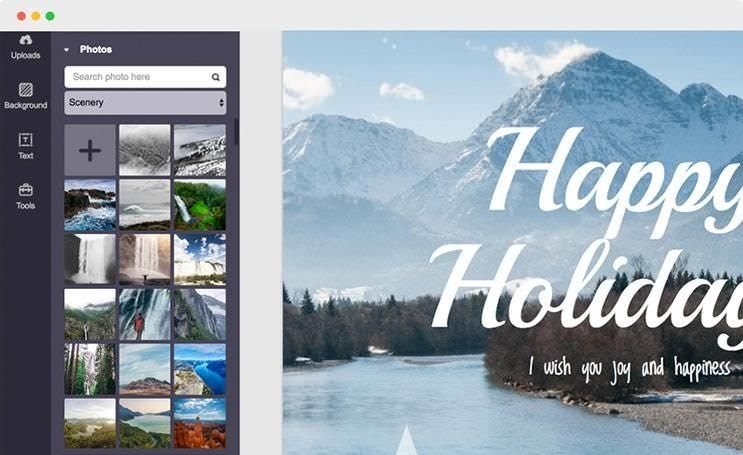
Piktochart gives you access to its library of stock photos or lets you upload your own images and videos to make things more engaging. Not only this, you can also import data from Google Sheets and SurveyMonkey forms. And lastly, the presentation can be shared on the web and downloaded or printed as PDF, JPG, and PNG.
Genial.ly
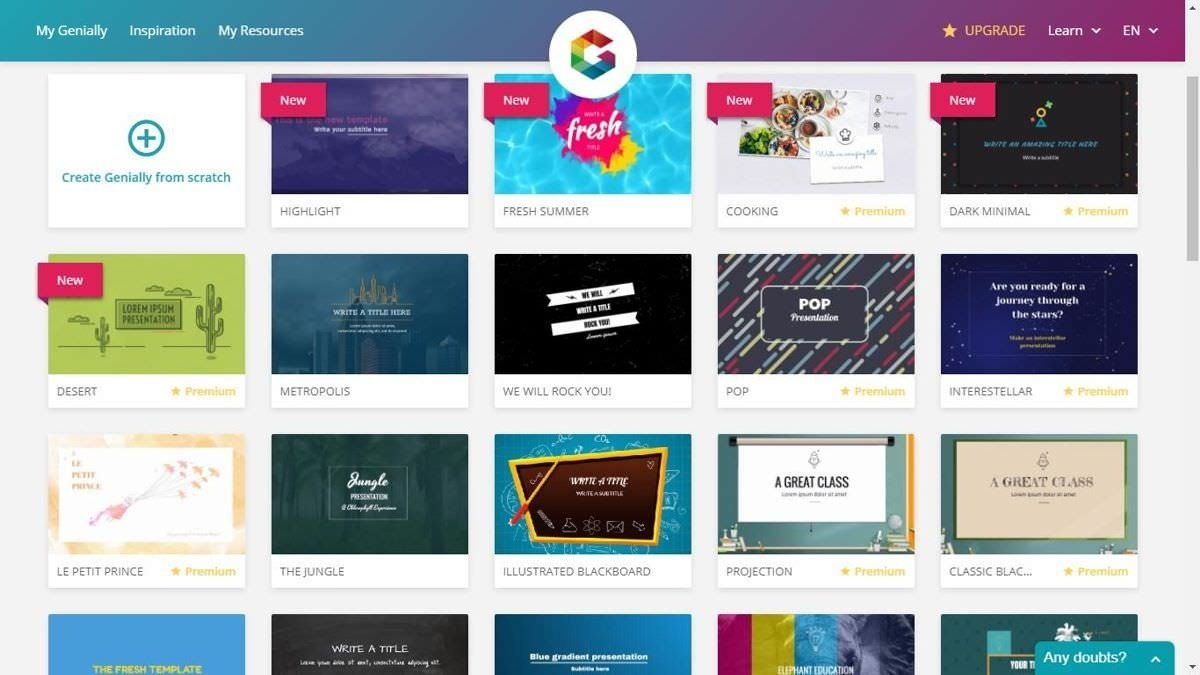
Genial.ly lets you put interactive effects and animations in your presentations. You can include content from a number of external services in your presentations, such as Spotify, YouTube, Google Maps, Amazon, etc. Another interesting thing is, you get access to various premium templates, using which you can create unlimited presentations.
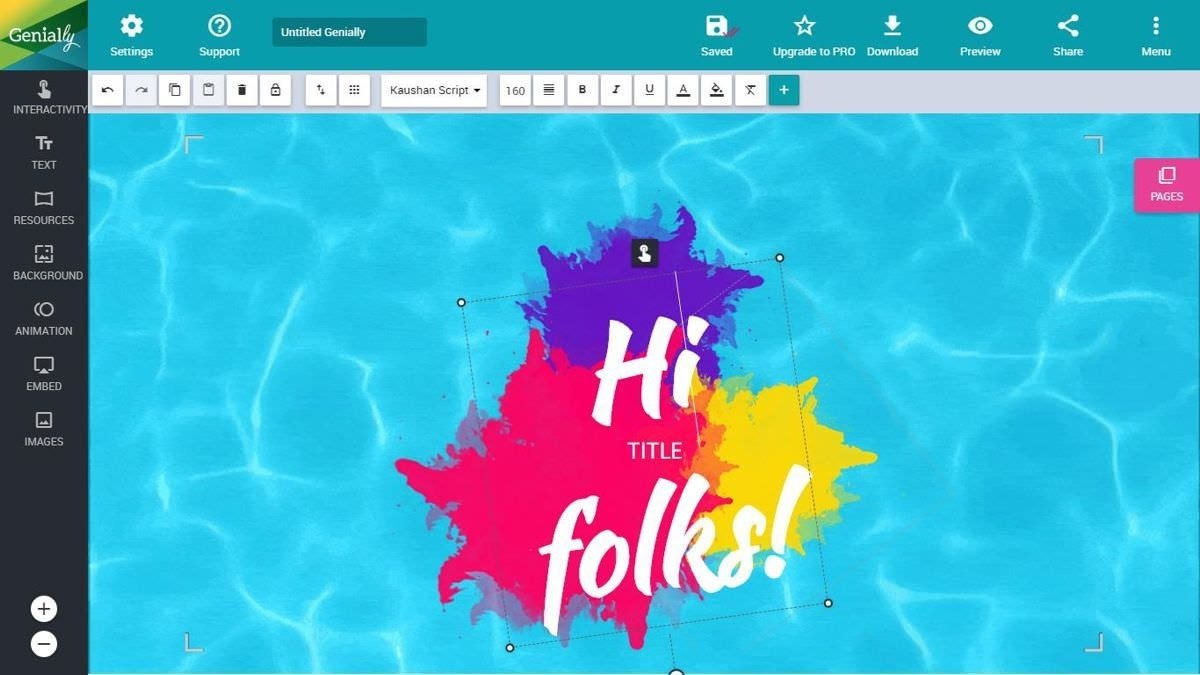
Similar to others, you can upload your own images and videos apart from using its media resources. Every content you create via Genially is shareable using email and social media networks including WhatsApp, and can also be embedded directly on your website. Last but not the least, you can enable analytics to monitor your content’s performance.
Haiku Deck
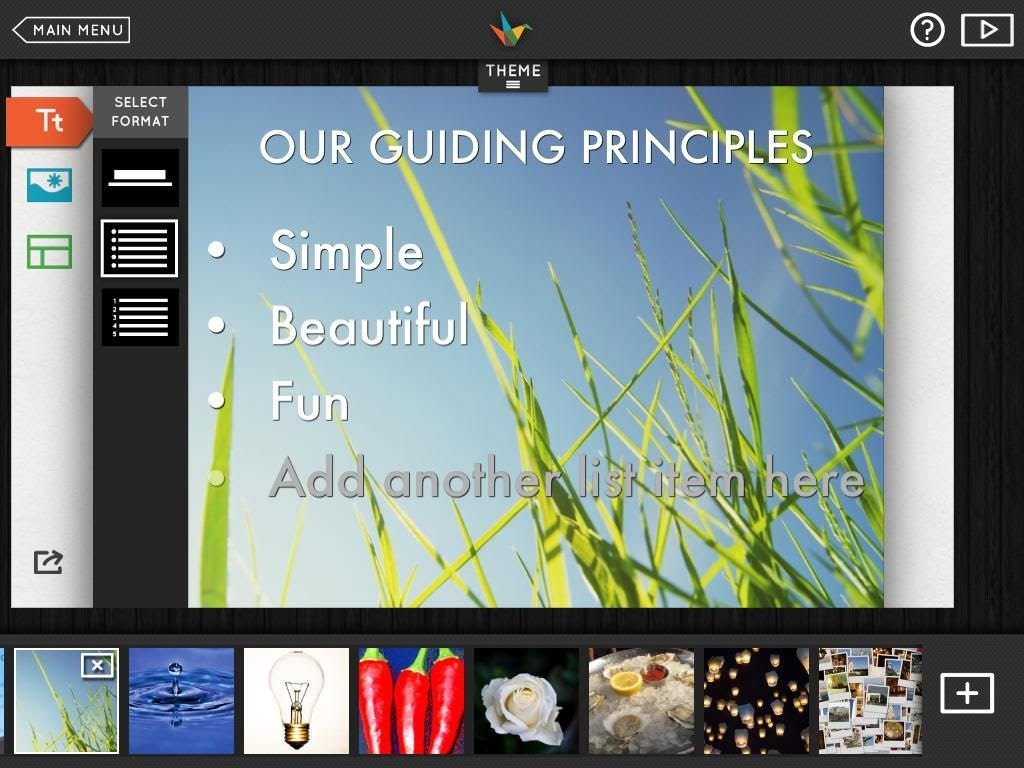
Haiku Deck is a simple and useful tool, though its interface looks little outdated. You can choose from a range of fonts, polished layouts, image filters, and more to create professionally designed presentations. It gives you access to 40+ million stock images on varied subjects that fit in almost every project.
Your presentations are stored in the cloud, thus are available on any device. Haiku Deck offers much more features including PDF downloads, PPTX exports, etc. Additionally, it also offers a ‘Haiku Deck Classroom‘ subscription which includes all the goodness of Haiku Deck along with access for a teacher and multiple students in a single package.
PowerPoint Online
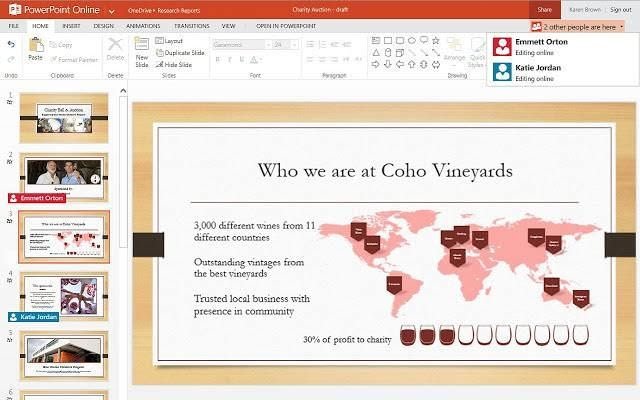
PowerPoint Online provides you all the basic features like images, transitions, animations, etc. and various templates to create a presentation. You can download the presentation as a PDF file for offline viewing, and also share with people or embed in your blog or website. Though it’s easy and familiar to use yet it’s not as good as Prezi or Emaze.
Google Slides
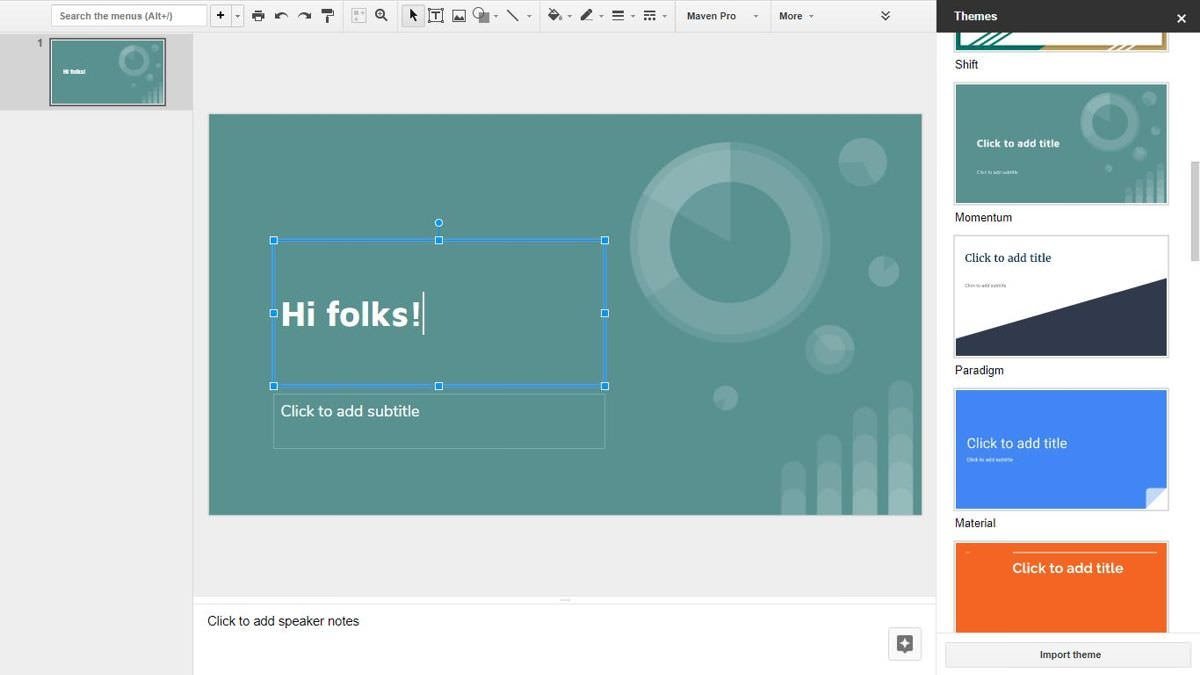
Google Slides lets you create, edit, and collaborate on amazing presentations. You’ll find a variety of templates, fonts, embedded videos, animations, and lots more in this free app. You can edit and save presentations directly inthe cloudlike above apps. However, it can’t help you create as engaging presentations as Prezi and Visme.
Flowvella
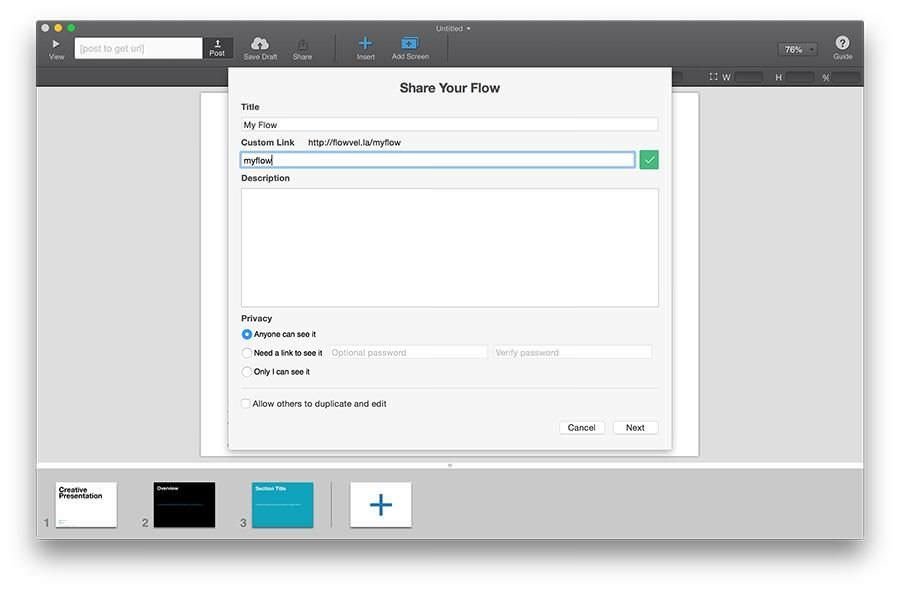
Flowvella lets you engage your audience by letting you add images, videos, texts, links, galleries, and PDFs to your presentation and transform it into an interactive project. It lets you view the presentations online or offline, or share it using a custom URL. And its Kiosk Mode is used to set an interactive digital display that’s protected with a PIN.
These presentation tools helps us to create and present a amazing presentations. It also helps us to do work creatively. It also use to a business presentation because of the charts that might help in our life. Make a better choice to make your presentation creatively.

 Empowerment Tech Presentation Tools